
Build Fire Training ScenariosFrom Your Own Buildings
Upload photos of your actual response area and create realistic, scenario-based training your officers will immediately recognize. From scene size-up drills to tabletop exercises and promotional exam prep — train on the buildings you protect.
Platform Capabilities
Precision tools built for serious training programs
Your Locations, Your Scenarios
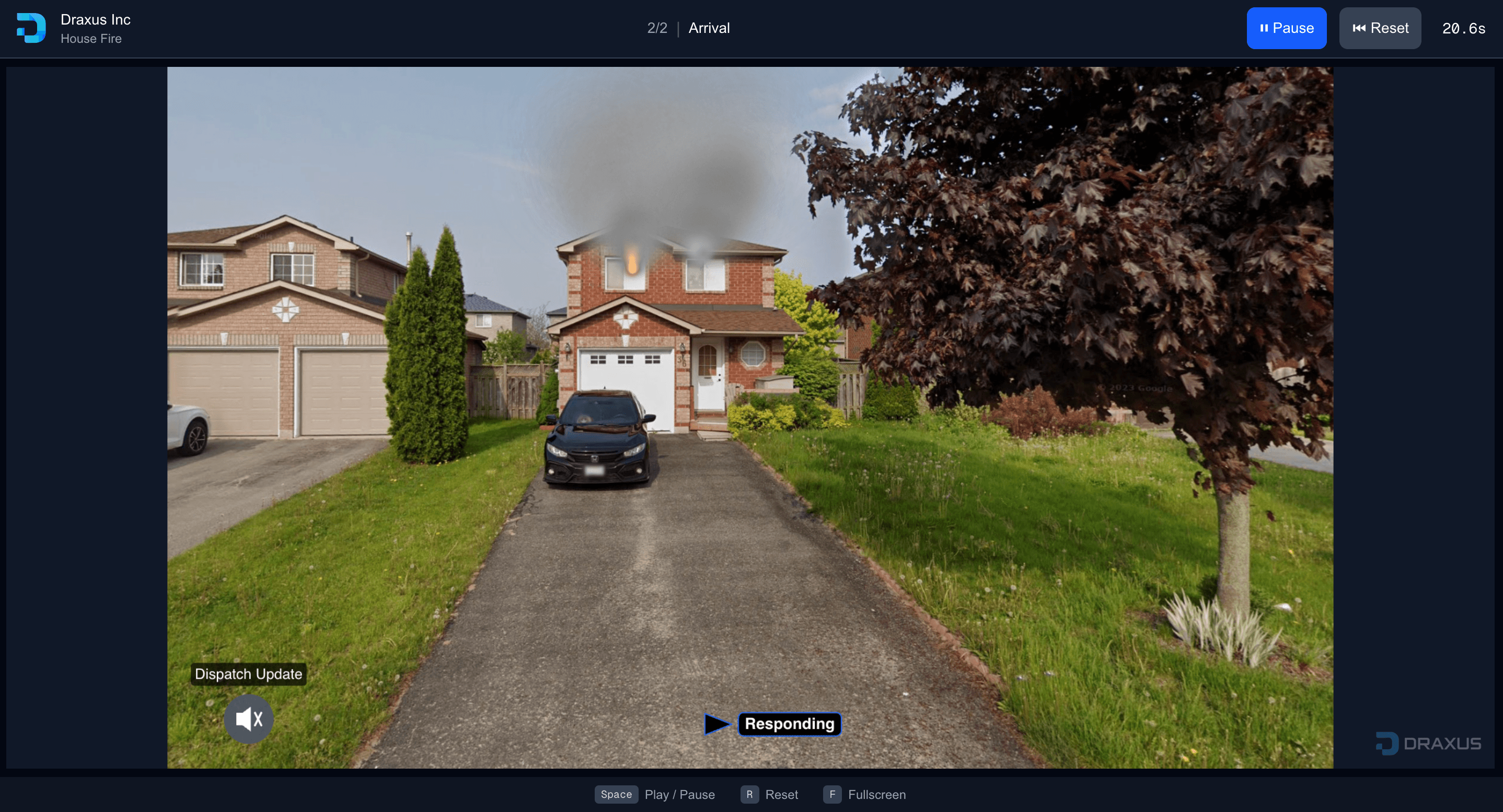
Upload photos of actual buildings, streets, and facilities in your response area. Train on environments your team will recognize, making exercises more realistic and relatable.
Precision Polygon Masking
Define exact boundaries for effect placement with point-by-point accuracy. Multiple mask layers with additive and subtractive operations. Target specific effects per mask layer.
Configurable Particle Physics
Full control over size, speed, opacity, rotation, and turbulence. Realistic fire effects with customizable smoke colors—from light gray residential to heavy black commercial conditions.
Immersive Audio Layers
Add environmental audio with multiple source options: upload custom files, text-to-speech generation, voice recording, or select from the built-in sound library. Apply radio chatter filter for authentic communications.
Multi-Scene Scenario Builder
Create up to 20 interconnected scenes per scenario. Build comprehensive walkthrough training exercises with scene duplication and management tools.
Interactive Navigation System
Scene-to-scene navigation with configurable arrows. Branching scenario paths for decision-based training. Orphan scene detection to ensure completeness.
Professional Layer Management
Z-order control for precise layering. Per-layer visibility and configuration. Copy and paste emitters across scenes.
Advanced Timeline Control
Global timing or per-scene reset modes. Real-time playback with pause and reset. Synchronized effect timing across scenarios.
Team Collaboration
Organization-level scenario management. Role-based access with Owner, Write, and Read permissions. Public and private sharing controls.
Instant Sharing
Share scenarios instantly with a link. Viewers access training without accounts or downloads. Perfect for distributing exercises to large groups or external partners.
Real-Time Preview
Preview your scenario exactly as trainees will see it. Test navigation paths, effect timing, and audio without leaving the builder. Iterate quickly with instant feedback.
Cloud-Based Platform
No downloads, no plugins, no IT overhead. Access the builder and run training from any modern browser. Your scenarios are stored securely and available from any device.
Continuously Evolving
Our asset library is actively expanding with new particle effects, atmospheric conditions, and visual elements. The platform you invest in today grows more capable over time.
Training in Action
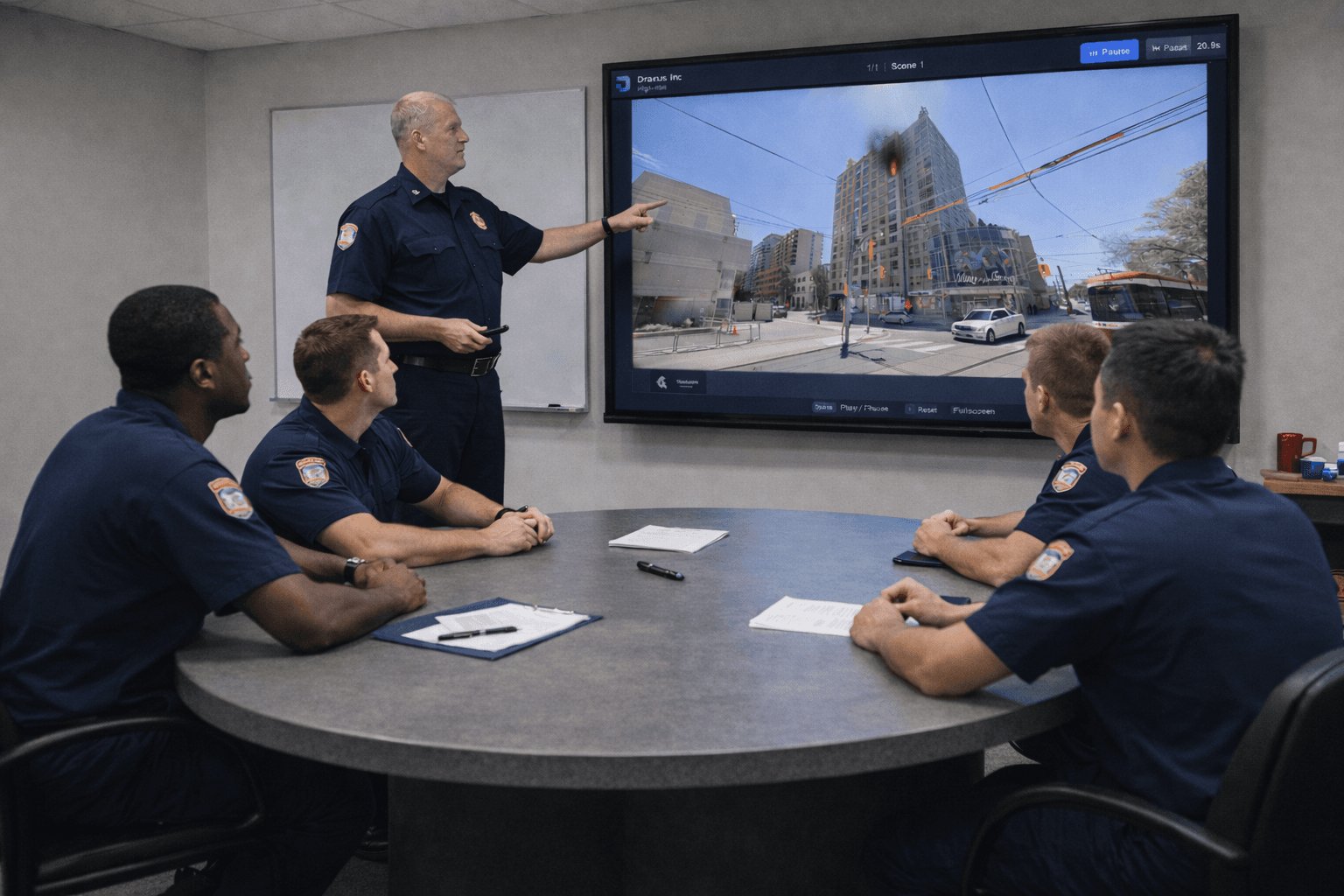
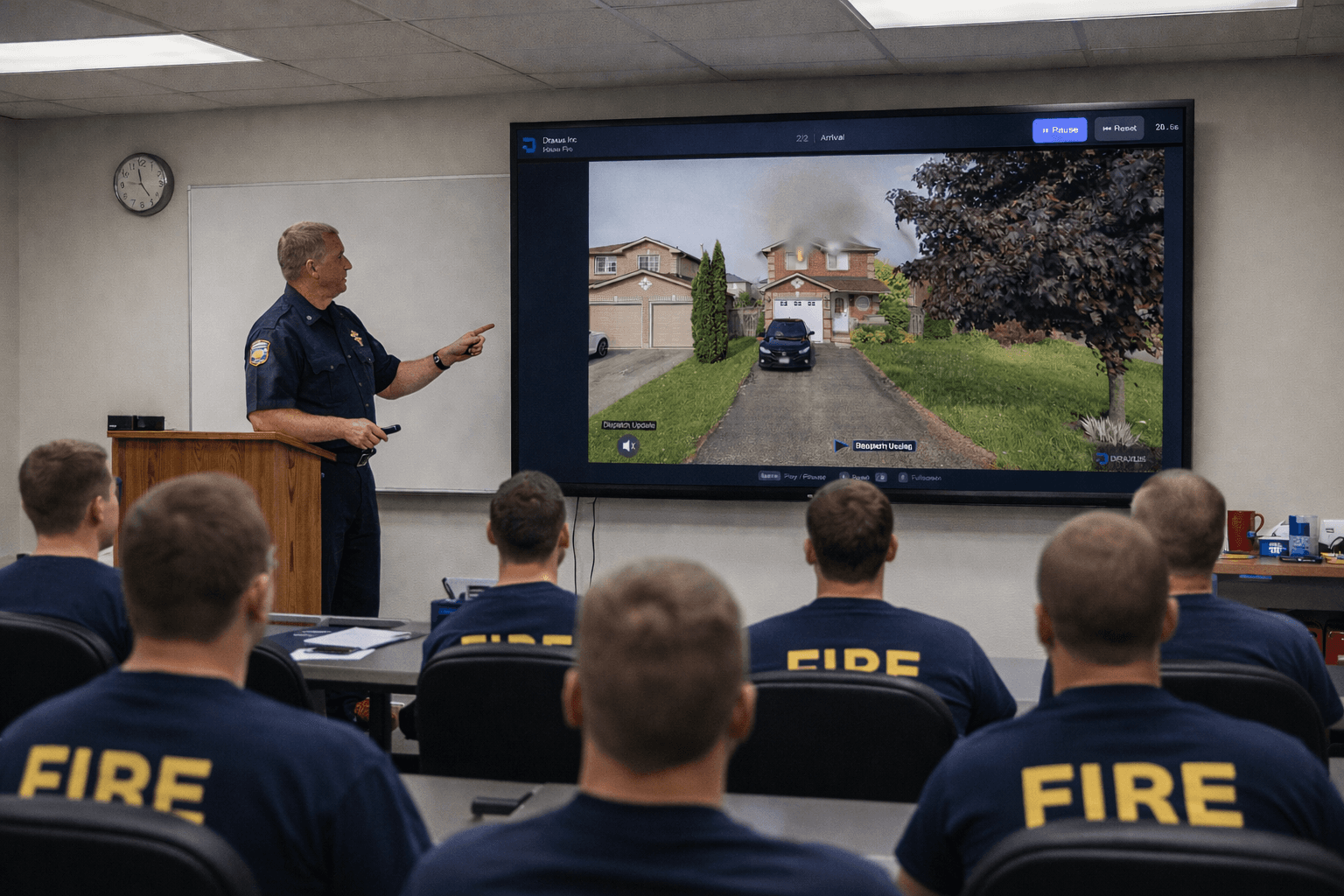
Fire departments use Draxus to deliver realistic scenario-based training directly in their stations
Technical Specifications
Detailed platform information for procurement and implementation